Introduction
Multi-tenancy is an architectural approach that allows a single application to serve multiple clients — tenants — while maintaining data isolation and allowing per-tenant customization. In a Laravel application, it requires deliberate design: where tenant data lives, how each request discovers its tenant, and how every query is kept within the right boundary.
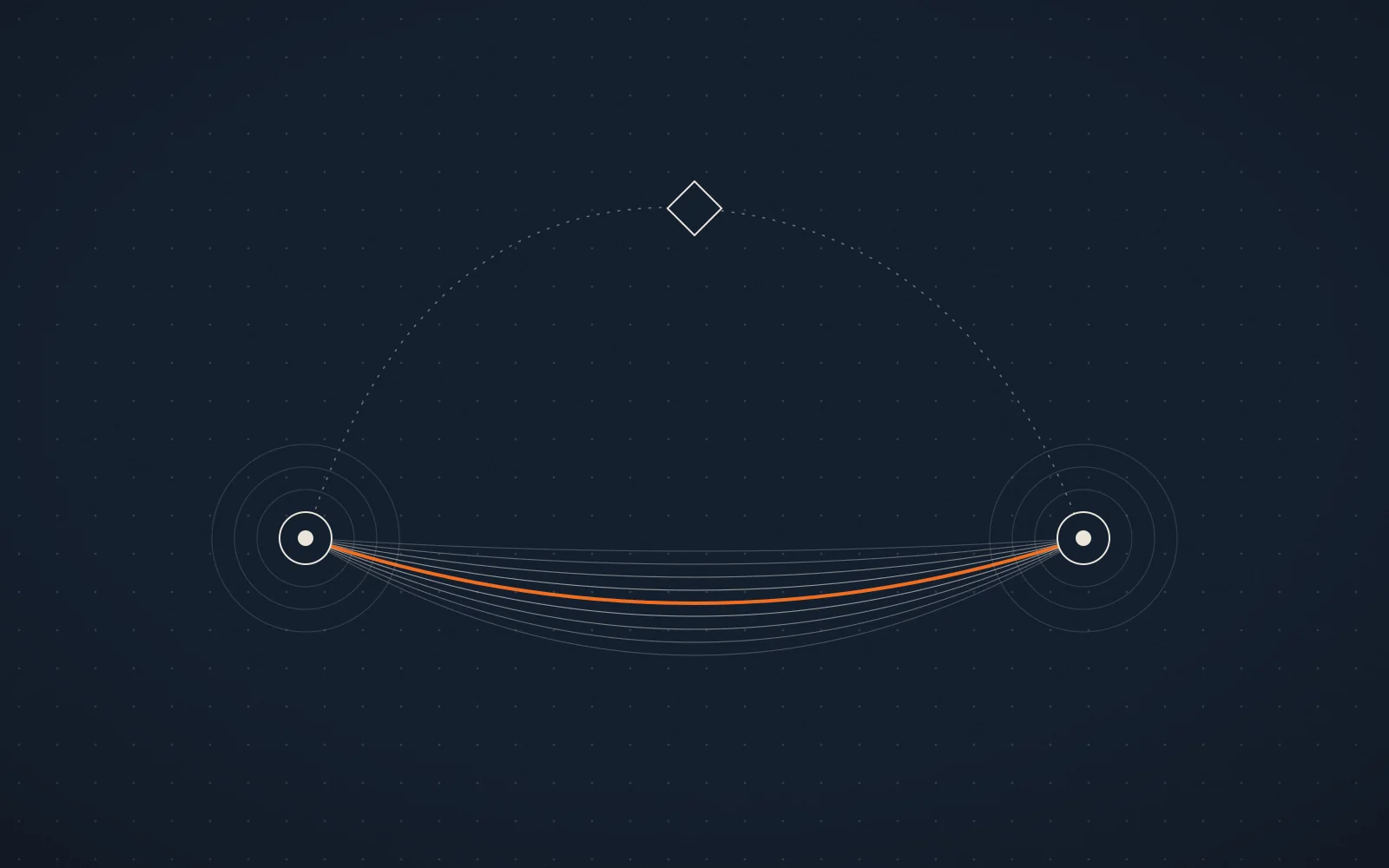
Diagram comparing three tenancy models: separate databases with one per tenant; a single shared database whose rows carry a tenant_id column; and a package layer that manages tenant resolution and databases on the application's behalf.
Approach 1: A separate database per tenant
Each tenant receives its own database, giving complete data segregation. This suits tenants that require strong isolation or need to scale independently.
Tenant registry
A central table records each tenant and the database that holds its data:
public function up(): void
{
    Schema::create('tenants', function (Blueprint $table) {
        $table->id();
        $table->string('name');
        $table->string('domain')->unique();
        $table->string('database')->unique();
        $table->timestamps();
    });
}namespace App\Models;
use Illuminate\Database\Eloquent\Model;
class Tenant extends Model
{
protected $fillable = ['name', 'domain', 'database'];
}Switching connections per request
Middleware resolves the tenant from the request’s host and points the connection at that tenant’s database before any query runs:
namespace App\Http\Middleware;

use App\Models\Tenant;
use Closure;
use Illuminate\Support\Facades\DB;

class TenantMiddleware
{
    public function handle($request, Closure $next)
    {
        $tenant = Tenant::where('domain', $request->getHost())->firstOrFail();

        config(['database.connections.mysql.database' => $tenant->database]);
        DB::purge('mysql');
        DB::reconnect('mysql');

        return $next($request);
    }
}Apply it to every route that serves tenant data:
Route::middleware(TenantMiddleware::class)->group(function () {
    Route::get('/dashboard', DashboardController::class);
    // …all tenant routes
});Keep the registry separate
In production the
tenantstable usually lives on its own central connection, so tenant resolution never depends on the database being switched to.
Keep reading — it’s free
The remaining 3 min of this story is for Dispatch subscribers. Subscribing takes one field, and the whole story opens right here.
Subscribe to read the rest
Free. One email when there’s something worth reading.
Originally published at Aviox Blogs engineering handbook.